> For the complete documentation index, see [llms.txt](https://guide.cryosparc.com/llms.txt). Markdown versions of documentation pages are available by appending `.md` to page URLs; this page is available as [Markdown](https://guide.cryosparc.com/application-guide/file-browser.md).
# File Browser
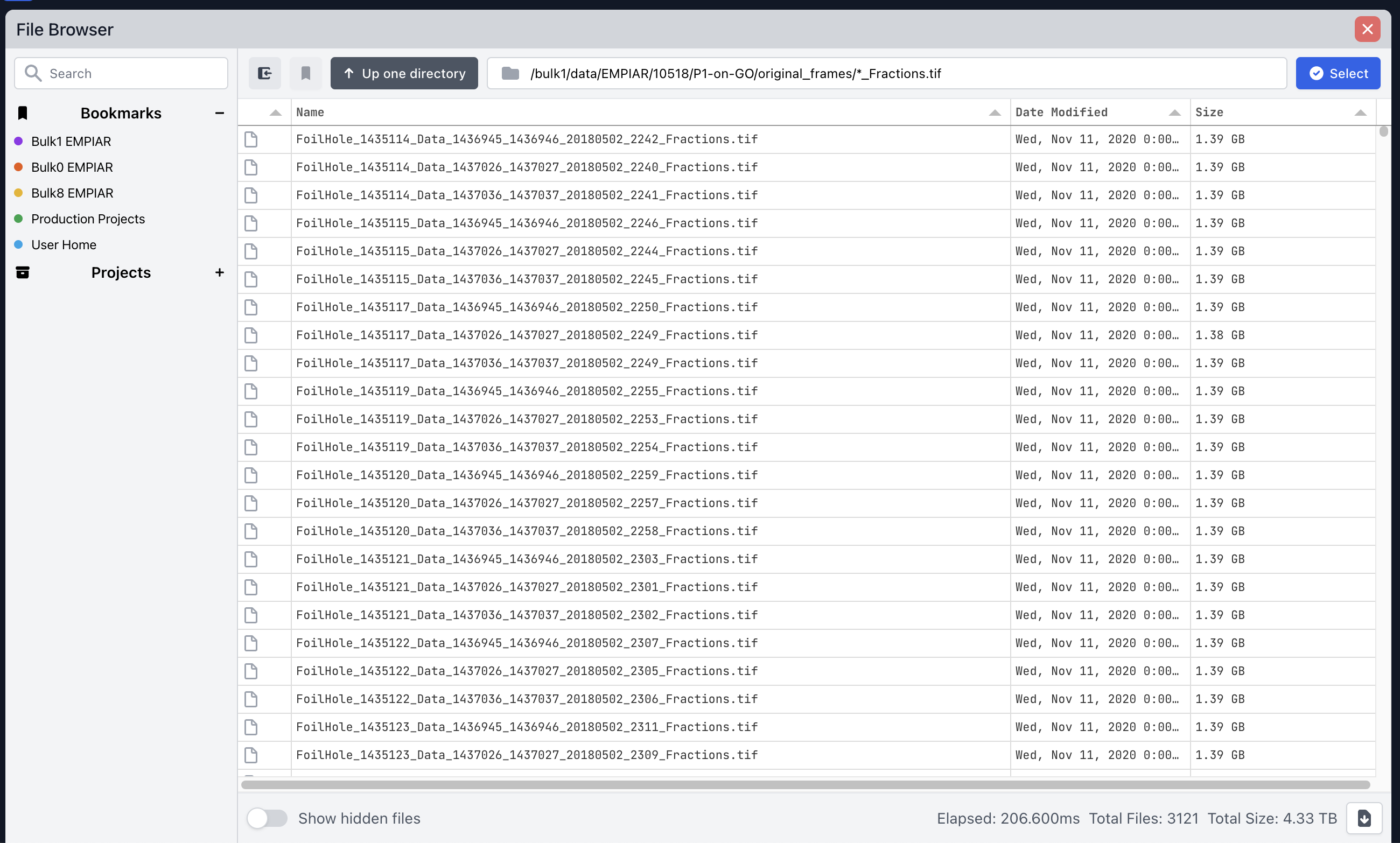
When selecting a path to create a project or input for a job parameter, CryoSPARC will display an integrated file browser.
The file browser supports [Python's glob syntax](https://docs.python.org/3/library/glob.html) for Unix style pathname pattern expansion.
## Search and Bookmarks
In v4.5+, the file browser allows for bookmarking directories for common access. To create a bookmark, right click on a directory and select 'Bookmark path' from the context menu that displays. Alternatively, click the bookmark button within the control bar to bookmark the current directory. Each bookmark can have a unique title, description and colour. Bookmarks are scoped to a specific CryoSPARC user account.
You can search and navigate to bookmarked directories and project directories from the sidebar.