> For the complete documentation index, see [llms.txt](https://guide.cryosparc.com/llms.txt). Markdown versions of documentation pages are available by appending `.md` to page URLs; this page is available as [Markdown](https://guide.cryosparc.com/processing-data/tutorials-and-case-studies/tutorial-bild-files.md).
# Tutorial: BILD files
An overview of BILD files in CryoSPARC
{% hint style="info" %}
BILD files are now produced for all viewing direction distribution figures in CryoSPARC v4.4+.
{% endhint %}
[BILD files](https://www.cgl.ucsf.edu/chimera/docs/UsersGuide/bild.html) are simple format for producing 3D shapes in UCSF Chimera(X). These files can be useful to visualize 3D viewing direction distributions using coloured cylinders of varying height.
Prior to CryoSPARC v4.4., a standard way to construct BILD files from CryoSPARC refinement jobs required the use of the `csparc2star.py` and `star2bild.py` scripts within the [external open-source package pyem](https://github.com/asarnow/pyem/blob/master/star2bild.py). To make this process easier, CryoSPARC v4.4 now includes BILD files with every viewing direction distribution figure in the event log.
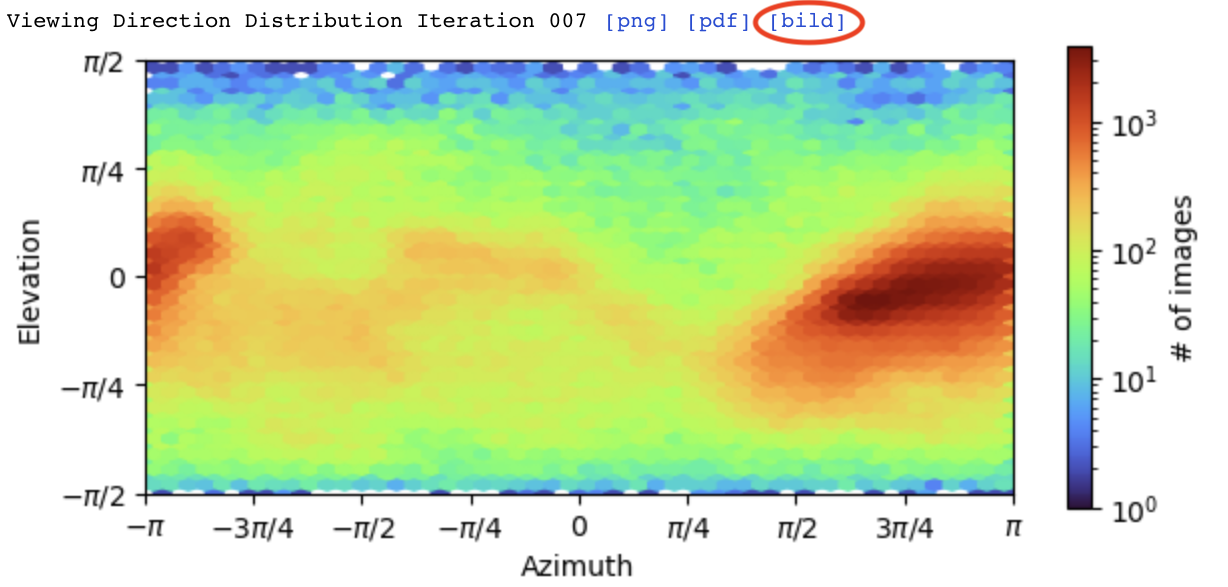
To use these files, click the `[bild]` link on top of any viewing direction figure to download the BILD file:
Once downloaded, you should be able to open this file with [UCSF Chimera (X)](https://www.cgl.ucsf.edu/chimerax/) and overlay it on top of a 3D map:
UCSF Chimera X window with a refined map and an overlayed viewing distribution
### BILD File Structure
Following `star2bild.py` , we generate BILD files by creating spherical bins using the [HealPix algorithm](https://healpix.jpl.nasa.gov/). Each spherical bin is visualized as a cylinder whose base is on a sphere with radius $$r = \frac{1}{2} N p$$ , where $$N$$ is the box size and $$p$$ is the pixel size in Angstroms. Cylinder height is scaled linearly with relative particle population size, ranging from 0 (displayed as flat blue circle) to $$0.3 r$$ (displayed as a red cylinder).